Effective Prompts for Realistic Images with DALL-E
Introduction
Creating realistic images with AI tools like DALL-E can be both exciting and challenging. With the right prompts, you can generate stunning, lifelike images that capture the essence of reality. In this article, we will explore the best DALL-E prompts for realistic images and provide tips to enhance your image generation process.
Understanding DALL-E Prompts
DALL-E prompts are specific instructions given to the AI model to generate images based on the described content. The effectiveness of these prompts depends on their clarity and detail. By understanding how to craft precise prompts, you can achieve more accurate and realistic results.
Top DALL-E Prompts for Realistic Images
- Photo of [subject] in [setting]: This prompt helps specify the subject and the environment. For example: “Photo of a cat sitting on a windowsill in a cozy living room.”
- Portrait of [person] with [specific features]: Ideal for generating detailed portraits. For example: “Portrait of an elderly woman with silver hair and glasses, smiling warmly.”
- Landscape of [location] at [time of day]: Useful for creating realistic landscapes. For example: “Landscape of the Grand Canyon at sunset.”
- Close-up of [object] with [details]: Perfect for detailed shots of objects. For example: “Close-up of a vintage pocket watch with intricate engravings.”
- Action shot of [subject] doing [activity]: Great for dynamic and realistic action images. For example: “Action shot of a surfer riding a big wave.”
- Interior of [type of room] with [specific elements]: Helps create detailed interior scenes. For example: “Interior of a modern kitchen with stainless steel appliances and marble countertops.”
- Street view of [city] with [specific features]: Useful for urban scenes. For example: “Street view of Tokyo with neon signs and bustling crowds at night.”
- Wildlife photo of [animal] in [habitat]: Ideal for realistic wildlife photography. For example: “Wildlife photo of a lion resting in the savannah.”
- Aerial view of [location] with [specific details]: Great for bird’s-eye views. For example: “Aerial view of New York City with Central Park in the foreground.”
- Still life of [objects] arranged on [surface]: Perfect for artistic still life images. For example: “Still life of fresh fruits arranged on a wooden table.”
Tips for Crafting Effective Prompts
- Be Specific: The more detailed your prompt, the better the AI can understand and generate the desired image.
- Use Descriptive Language: Incorporate adjectives and specific details to guide the AI. For example, “a serene beach with crystal clear water and white sand.”
- Consider Lighting and Angles: Specify lighting conditions and camera angles to add realism. For example, “a portrait with soft, natural lighting and a slight upward angle.”
- Experiment with Styles: DALL-E can mimic various artistic styles. Try prompts like “in the style of a classic oil painting” or “a black and white photograph of.”
Examples of Realistic DALL-E Images
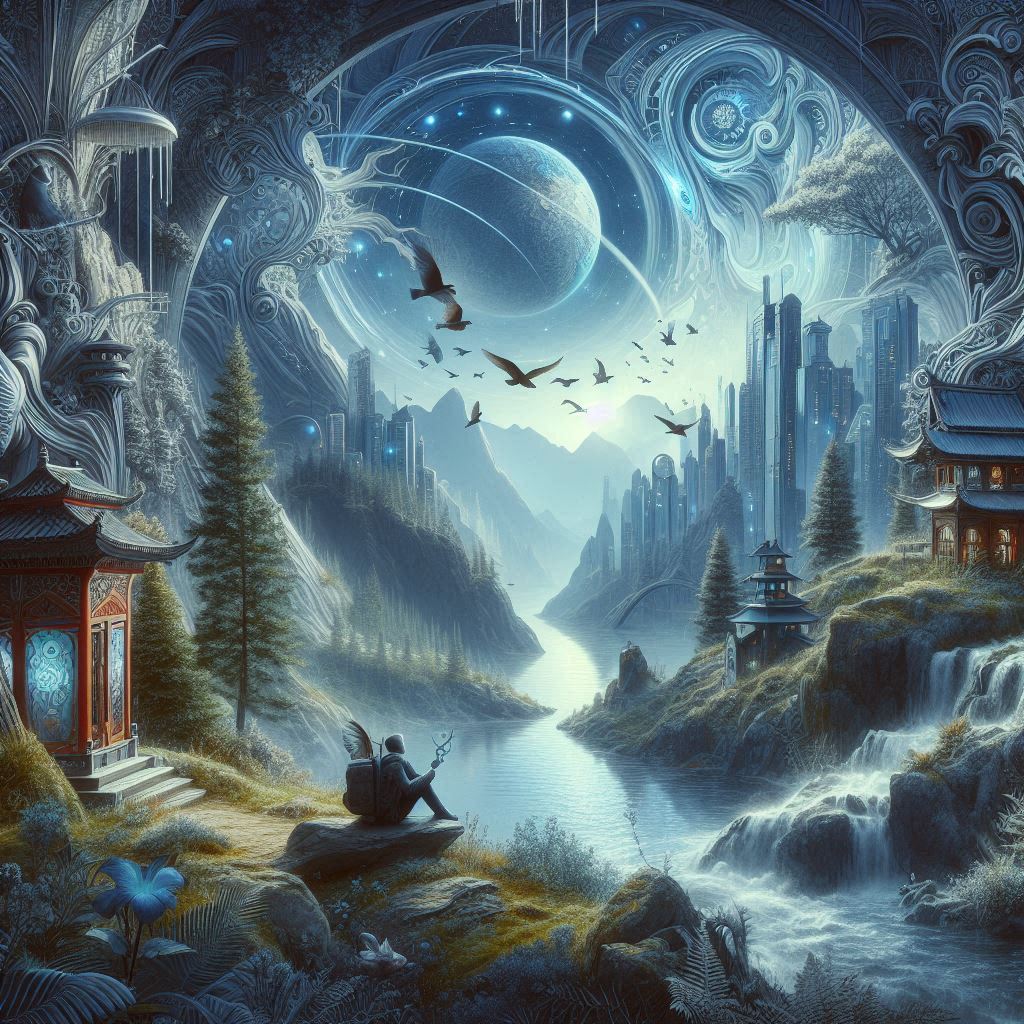
Here are a few examples of prompts and the resulting images:
- Prompt: “Photo of a golden retriever playing in a grassy park on a sunny day.”
- Prompt: “Portrait of a young man with curly hair and freckles, looking thoughtfully into the distance.”
- Prompt: “Landscape of a snowy mountain range under a clear blue sky.”
Conclusion
Creating realistic images with DALL-E prompts is an exciting way to explore AI-assisted creativity. By crafting detailed and specific prompts, you can achieve impressive and lifelike results. Whether for personal projects or professional use, DALL-E offers endless possibilities for digital art creation.